The harness in your pocket
DSH Mobile is an open-source Android companion for the DeepSeek Harness. Drive sessions, review plans and goals, answer approvals and questions, and get notified when the harness finishes — from your phone, over your local network.
Android only. Kotlin and Jetpack Compose. It mirrors the harness web GUI feature-for-feature, in the harness's own visual language.
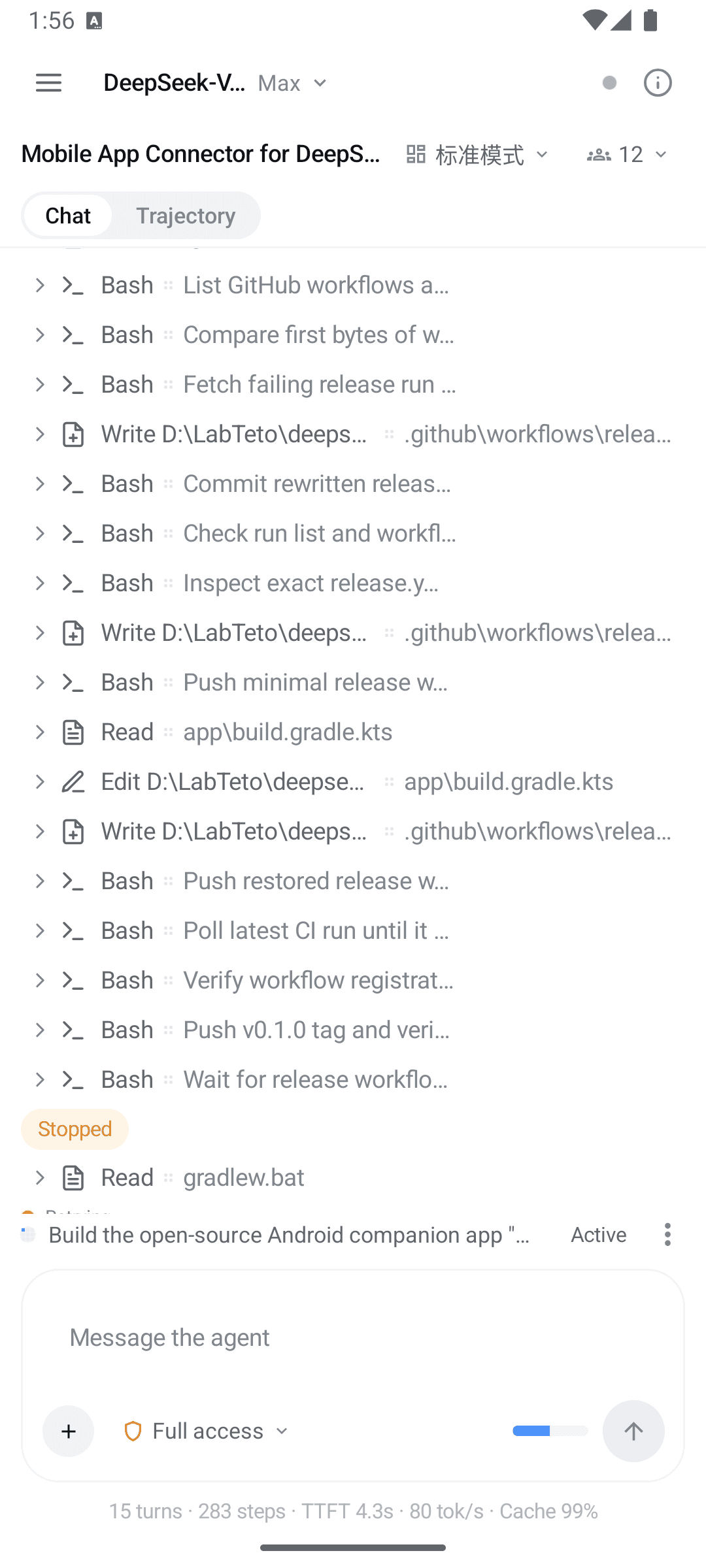
Your REMOTE for a harness that is still working
The harness runs on your computer. The work does not stop when you walk away from it.
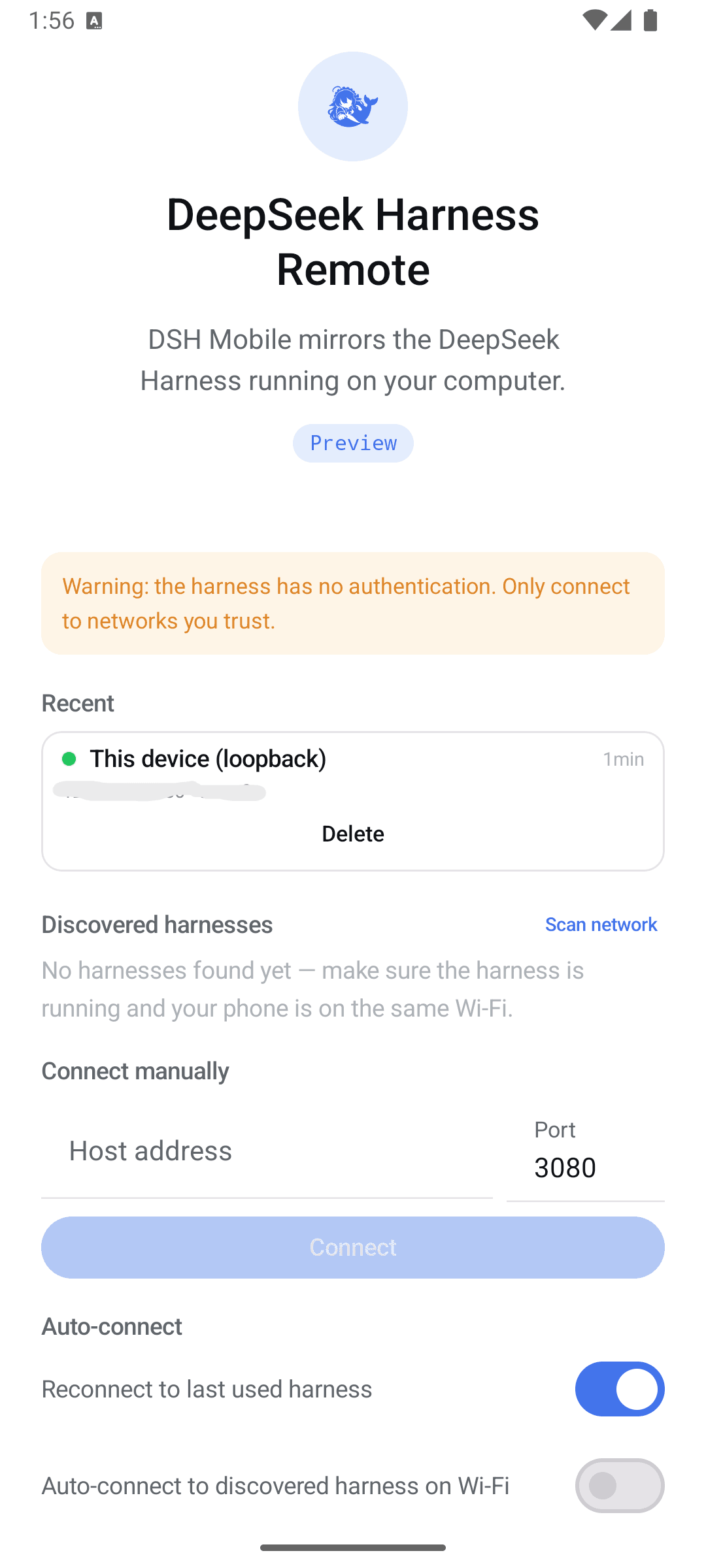
Finds your harness
An active subnet scan plus a readiness handshake discovers a harness on your Wi-Fi. Remembered hosts are probed for liveness on the way in, and you can always enter a host and port by hand.
Drives the session
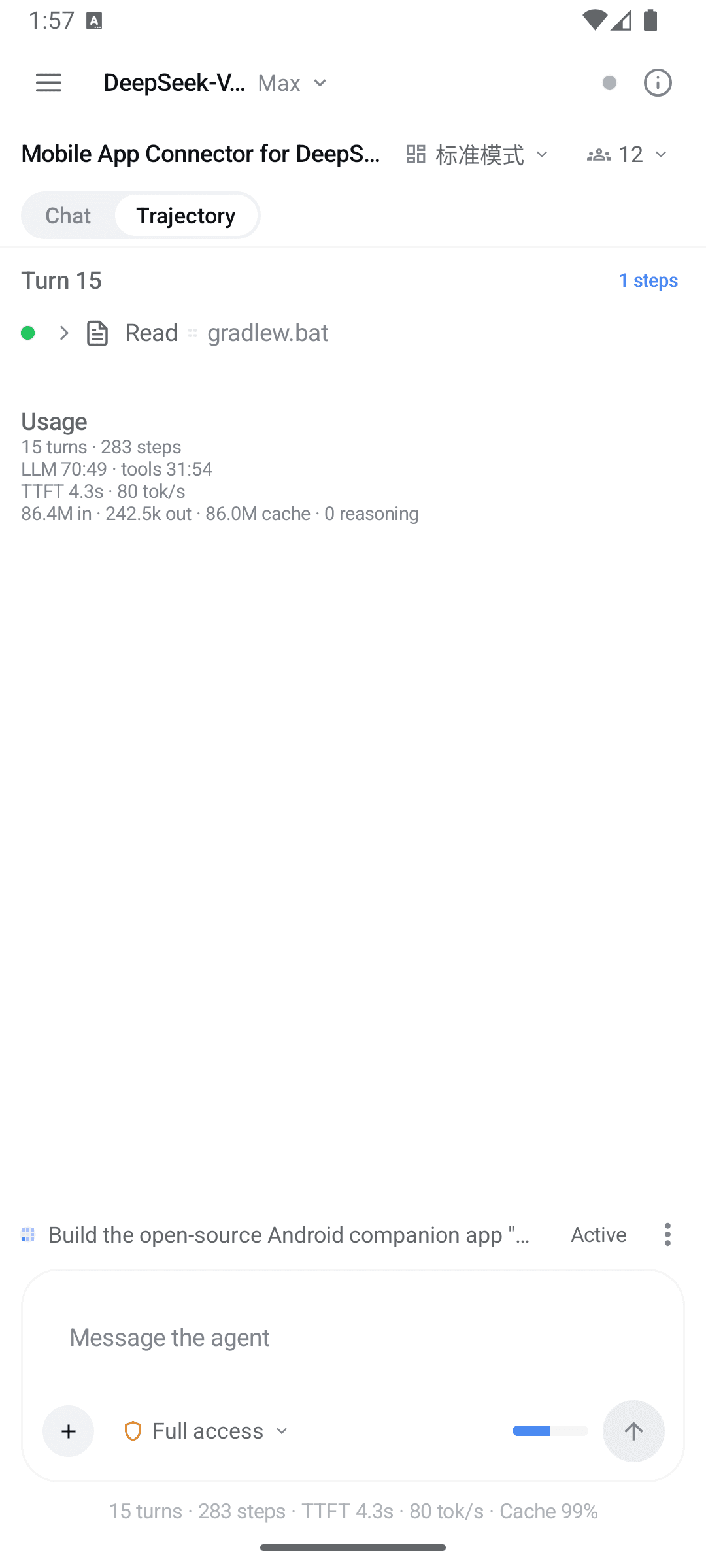
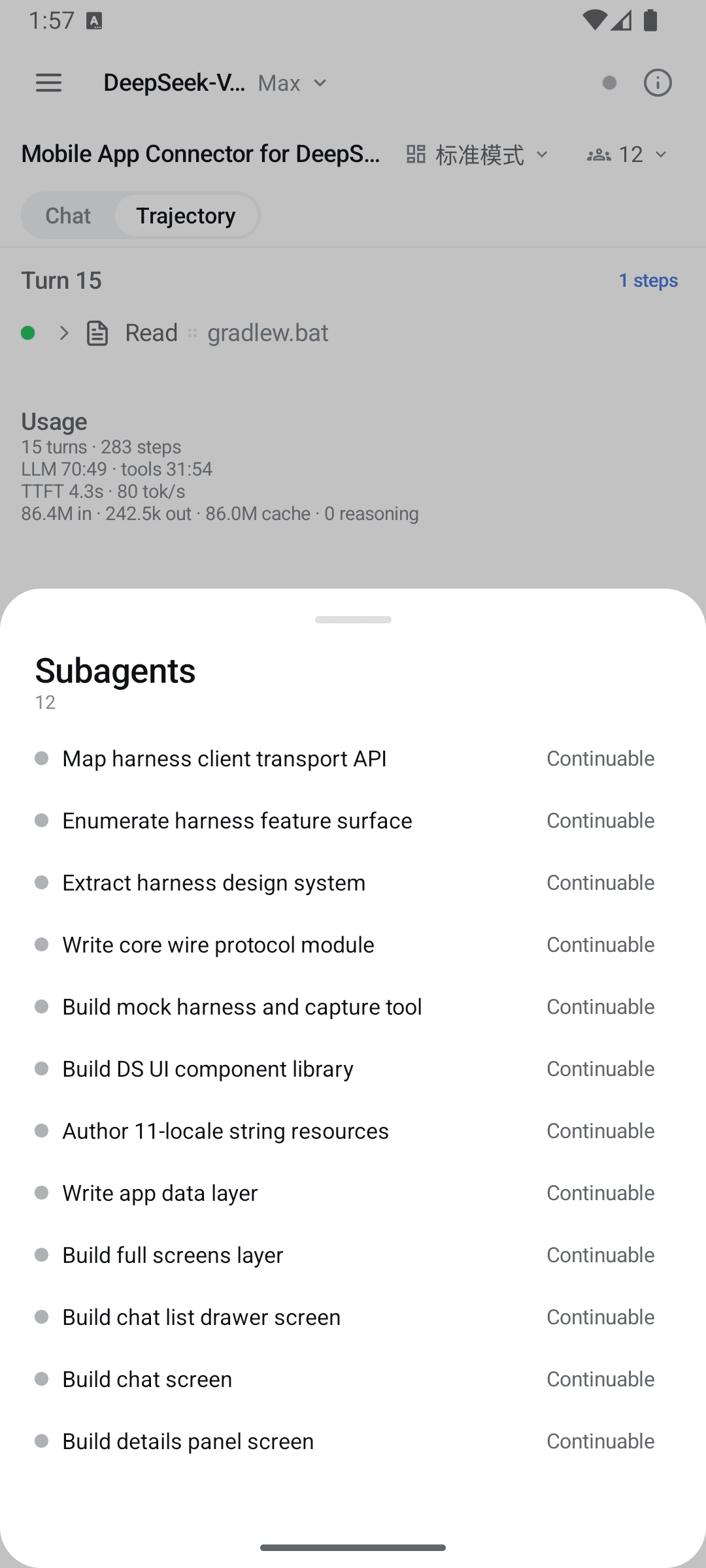
Streamed turns, reasoning disclosure, markdown, tool cards, the queue dock, slash commands, plan review, permission approvals and subagents — everything the web GUI does.
Tells you when it is done
Turn complete, goal complete or blocked, a review or a question waiting for you. A foreground service keeps the connection alive so the notification actually arrives.
Everything the GUI does, on a phone
Full chat experience
Streamed turns with reasoning disclosure, markdown, and terminal, diff, read, search and web tool cards. A queue dock to edit, remove or steer what is waiting. History paging and image attachments.
Everything the GUI does
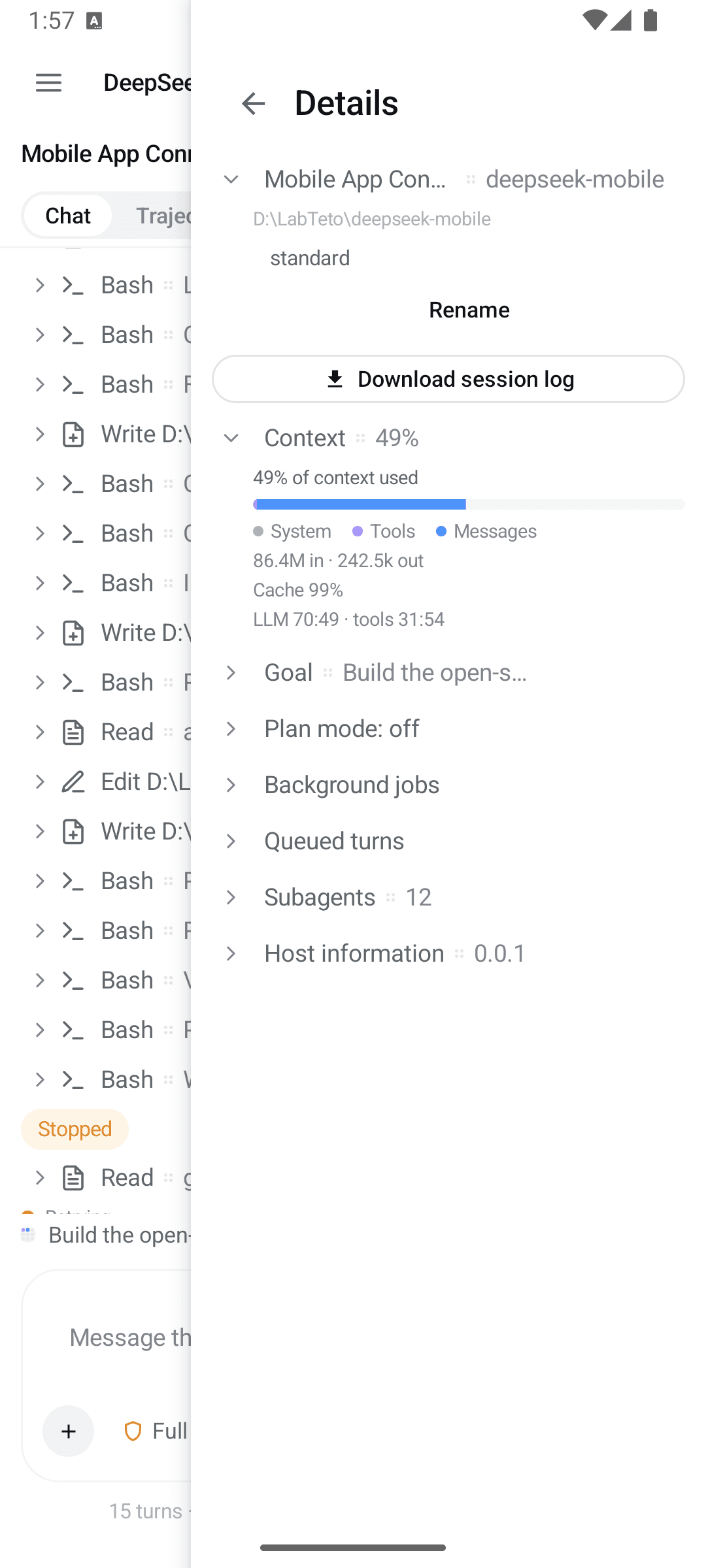
Goals with phases and rounds, plan mode and plan review, permission approvals, user questions, the todo dock, subagents, background jobs, workflow runs, skills, model selection, agent presets, session search and export.
Slash commands and skills
The composer adjudicates a slash line against the session's own command catalog and runs it through the harness's command gateway. Anything the catalog does not claim is sent as a prompt — which is how skills are invoked.
Discord-style navigation
Swipe right from the left edge for the workspace-grouped chat list, swipe left to close it, and swipe left from the right edge for the session details panel.
Five surfaces, one session
The same connection, seen five ways.
The harness's own design tokens, ported
Colors, type scale, radii, disclosure rows, shimmer and ink buttons come from the harness's own design platform rather than being approximated. Light, dark and system themes.
- Ink#0F1115
- Accent#4176E6
- Surface#F5F6F7
- Warn#F59E0B
- Success#22C55E
- Error#EC1313
It speaks your language. So does this page.
The app ships in eleven languages, right-to-left aware. A lint rule fails the build when any base string is missing a translation — which is the only reason the claim stays true.
- English
- 中文
- हिन्दी
- Español
- Français
- العربية
- বাংলা
- Português
- Русский
- اردو
- ไทย
Read this before you put it on Wi-Fi
The harness has no authentication
The harness web server serves plain HTTP behind a trust fence, not authentication. There are no tokens, no cookies, no TLS. Any device on the same network can drive the agent — including running commands on the host computer. Only bind it to your own trusted network, never public or guest Wi-Fi.
One request leaves your network
On start the app asks GitHub for the latest release so it can tell you a newer APK exists. That is the only request that leaves your network, and you can turn it off in Settings. Nothing else in the app contacts anything but the harness.
What it stores
Remembered host addresses and app preferences, in app-private storage. No session content is written to disk — chat history lives in memory and is re-fetched on connect.
What it scans
Scanning probes only your own device's IPv4 /24, and only with a TCP connect followed by the harness's own describe call.
Pinned to a tested baseline
DSH Mobile speaks the harness web client protocol, which is internal and not versioned on the wire. So the app pins a baseline — the harness release its call shapes were ported from and checked against.
| DSH Mobile | Harness | Status |
|---|---|---|
| 0.12.2 | 0.2.0-rc.1 | Supported baseline |
| 0.12.1 | 0.2.0-rc.1 | Previous baseline |
| 0.12.0 | 0.1.7-rc.2 | — |
| 0.11.5 – 0.11.7 | 0.1.6-alpha.2 | — |
| 0.11.4 | 0.1.6-alpha.1 | — |
| 0.11.3 | 0.1.6-alpha.1 | — |
| 0.11.1 – 0.11.2 | 0.1.6-alpha.1 | — |
| 0.11.0 | 0.1.6-alpha.1 | — |
| 0.10.0 – 0.10.1 | 0.1.3-alpha.1 | — |
| 0.9.3 | 0.1.2-alpha.1 | — |
| 0.9.0 – 0.9.2 | 0.1.2-alpha.1 | — |
| 0.6.0 – 0.8.0 | 0.1.1-rc.2 | — |
| 0.5.0 | 0.1.0-rc.8 | — |
| 0.4.0 | 0.1.0-rc.7 | — |
| 0.1.0 – 0.3.1 | 0.1.0-rc.5 | — |
The baseline says what was tested. It is not a gate: the app degrades on shape rather than version, and shows the harness's own version wherever a host appears.
Read the compatibility policyInstall it, then point it at your harness
Install the APK
Grab the latest release. Android 8.0 or newer.
USB or emulator
Run the harness, forward the port, then connect to loopback in the app.
$ dsh web$ adb reverse tcp:3080 tcp:3080Wi-Fi
Apply the one-file LAN patch, restart the harness, then tap Scan network in the app.
$ ~/.dsh/profiles/web/cordis.patch.ymlIf a connect attempt fails, the app names the cause — and the wiki's troubleshooting page is keyed on that exact sentence.
Put the harness in your pocket
Open source under MIT. No account, no telemetry, no server in the middle — just your phone and your own computer.