Run the harness on your phone
Run the harness in Termux on the phone, then let DSH Mobile start it and sign in.
In Termux
-
Install Termux from F-Droid, not Google Play.
-
Install Node.js and the harness.
pkg update && pkg install nodejs npm install -g @deepseek-ai/dsh -
Allow other apps to run commands in Termux. One line, once:
mkdir -p ~/.termux && echo 'allow-external-apps = true' >> ~/.termux/termux.properties && termux-reload-settings
In DSH Mobile
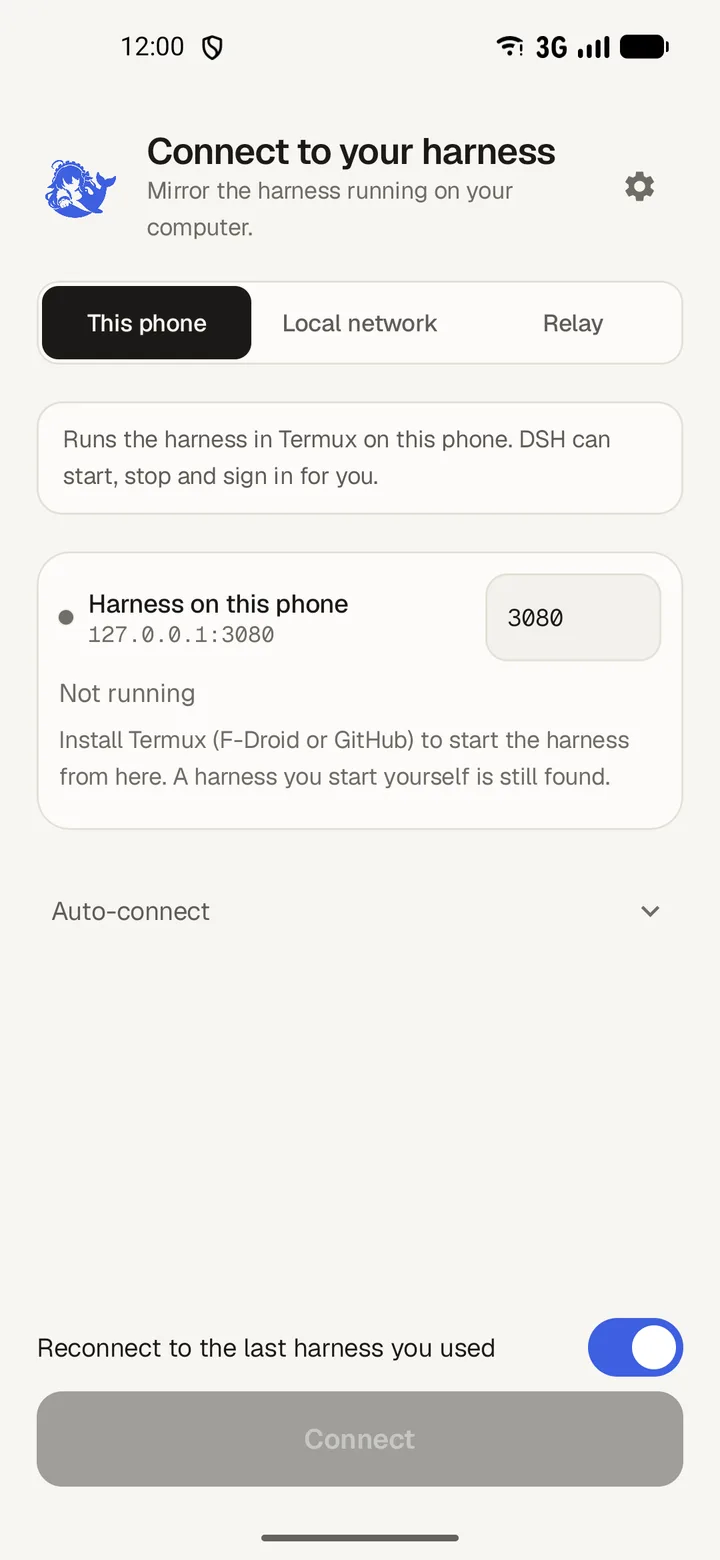
- Choose This phone.
- Tap Start harness. Android asks whether DSH Mobile may run commands in Termux; allow it.
- The app signs in and connects. It remembers the harness under This phone.