Connect over USB or an emulator
Forward the harness port to the phone, then sign in with the link dsh web prints.
On the computer
-
Run the harness.
dsh web -
Connect the phone with a USB cable, or start the Android emulator.
-
Forward the port.
adb reverse tcp:3080 tcp:3080 -
Copy the link
dsh webprinted.
On the phone
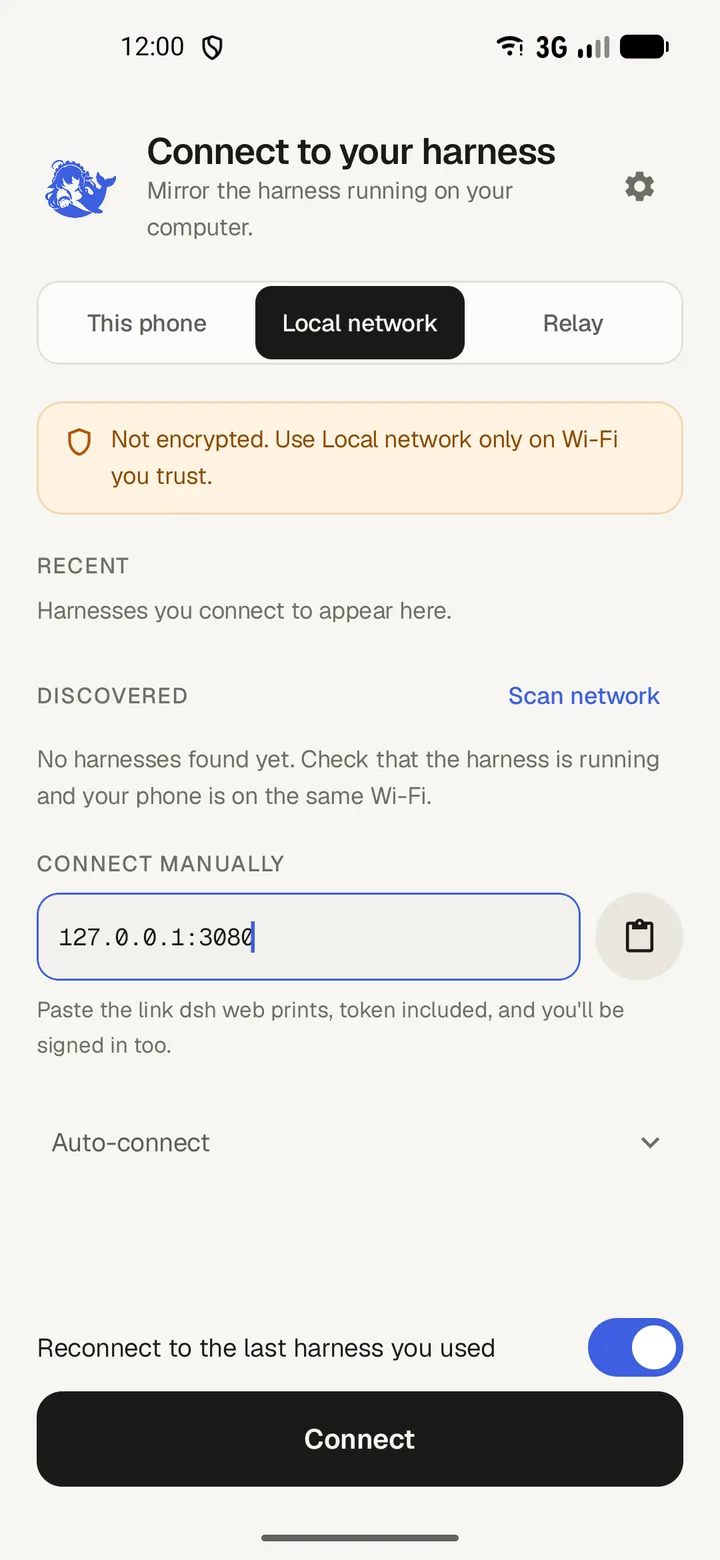
- Open DSH Mobile and choose This phone.
- Paste the startup link, then tap Sign in.
The harness stays on loopback and nothing is exposed to the network.