Session details, trajectory and subagents
Read the session panel, follow each turn in Trajectory, and open or interrupt a subagent.
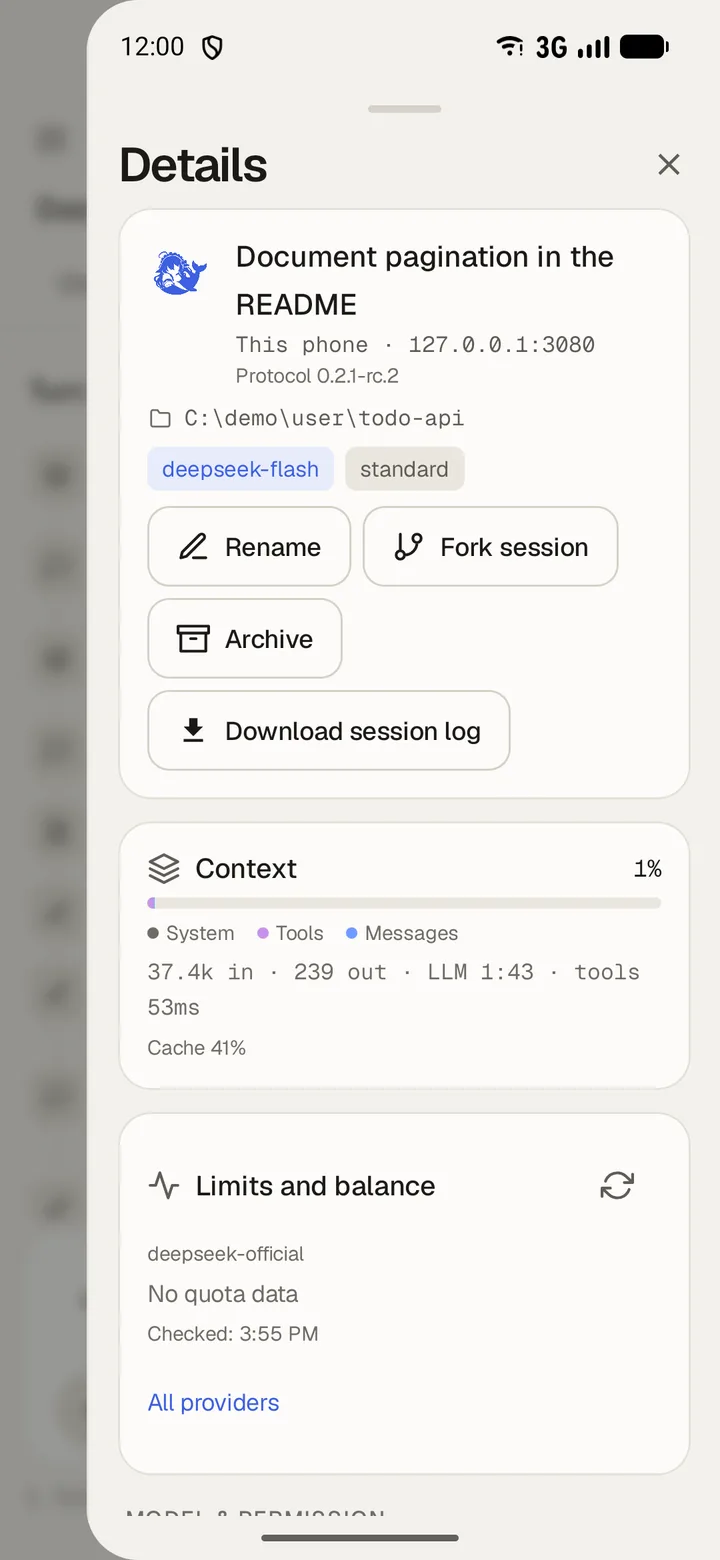
Open the details panel
- Swipe in from the right edge of the screen.
- Read the cards for Model, Context, Plan mode, Goal and Background jobs.
- Swipe back to close the panel.
Context shows how full the window is and what fills it. Background jobs lists running, completed, killed and failed jobs, with Stop job on each running one.
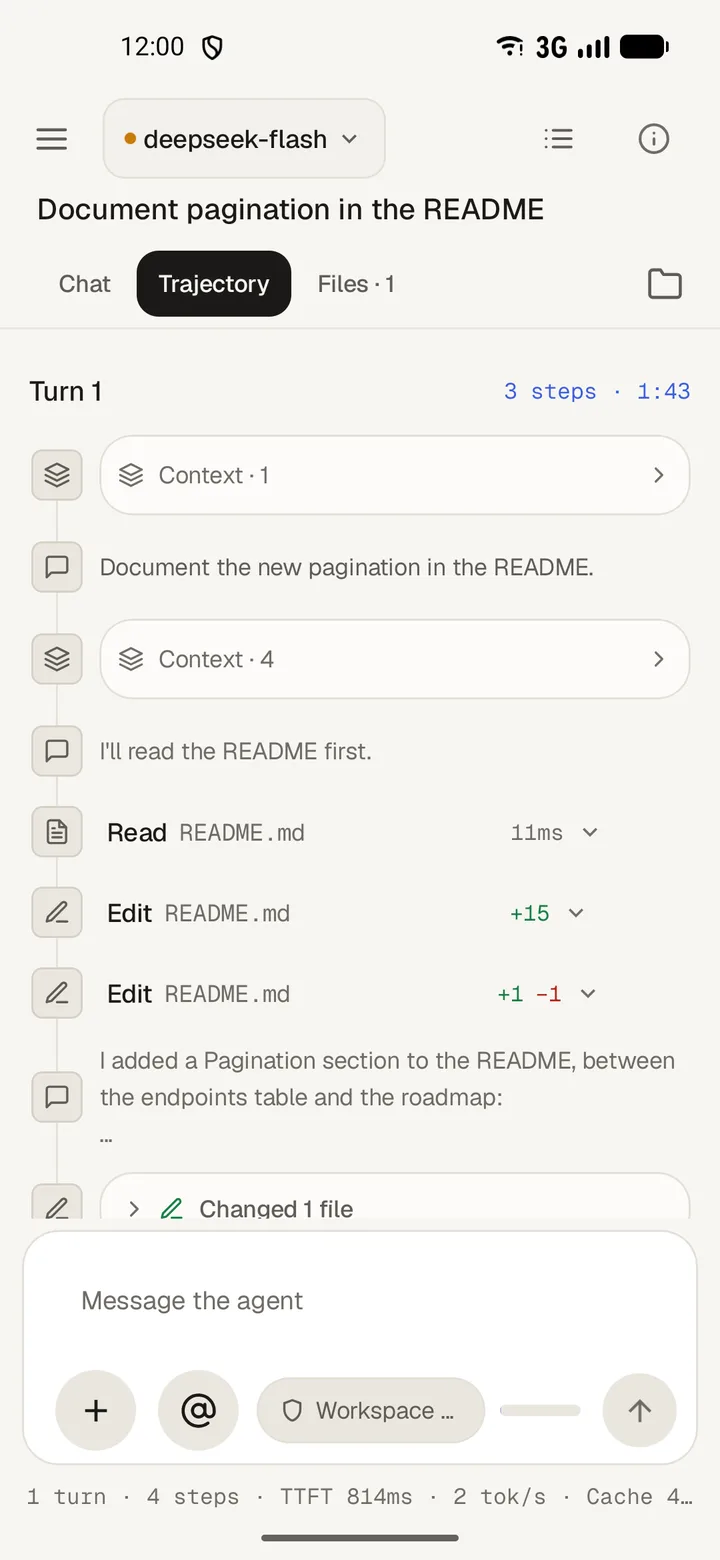
Trajectory
- Tap Trajectory in the top bar.
- Tap a turn to open its steps and tool calls.
- Open Usage for the totals: tokens in, out, cache and reasoning.
Raw shows the same record as plain data.
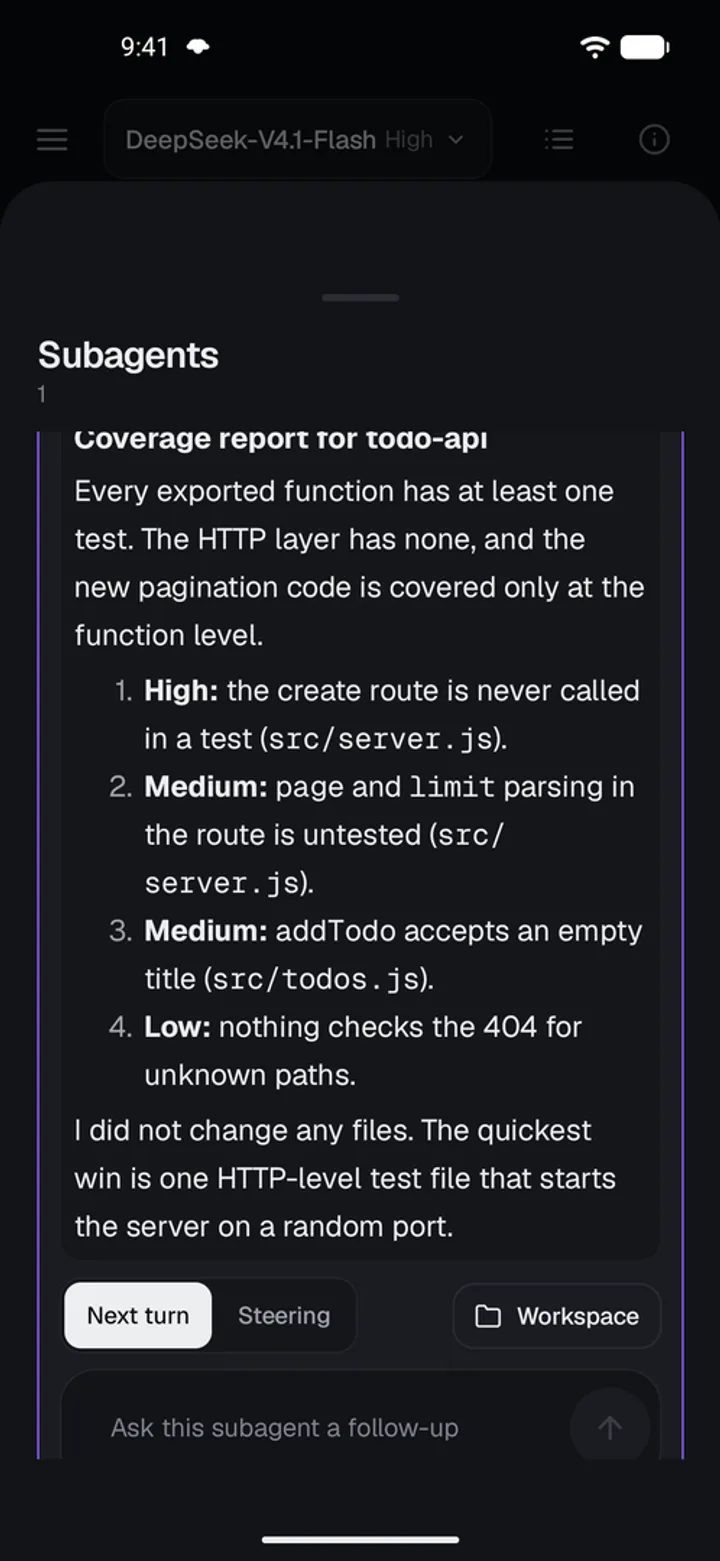
Subagents
- Open Subagents in the details panel to see every child the run started.
- Tap one to read its transcript.
- A child marked Can continue takes a follow-up message. A Single run child says This subagent doesn't take messages.
- Tap Interrupt to stop a child that is still running.