文档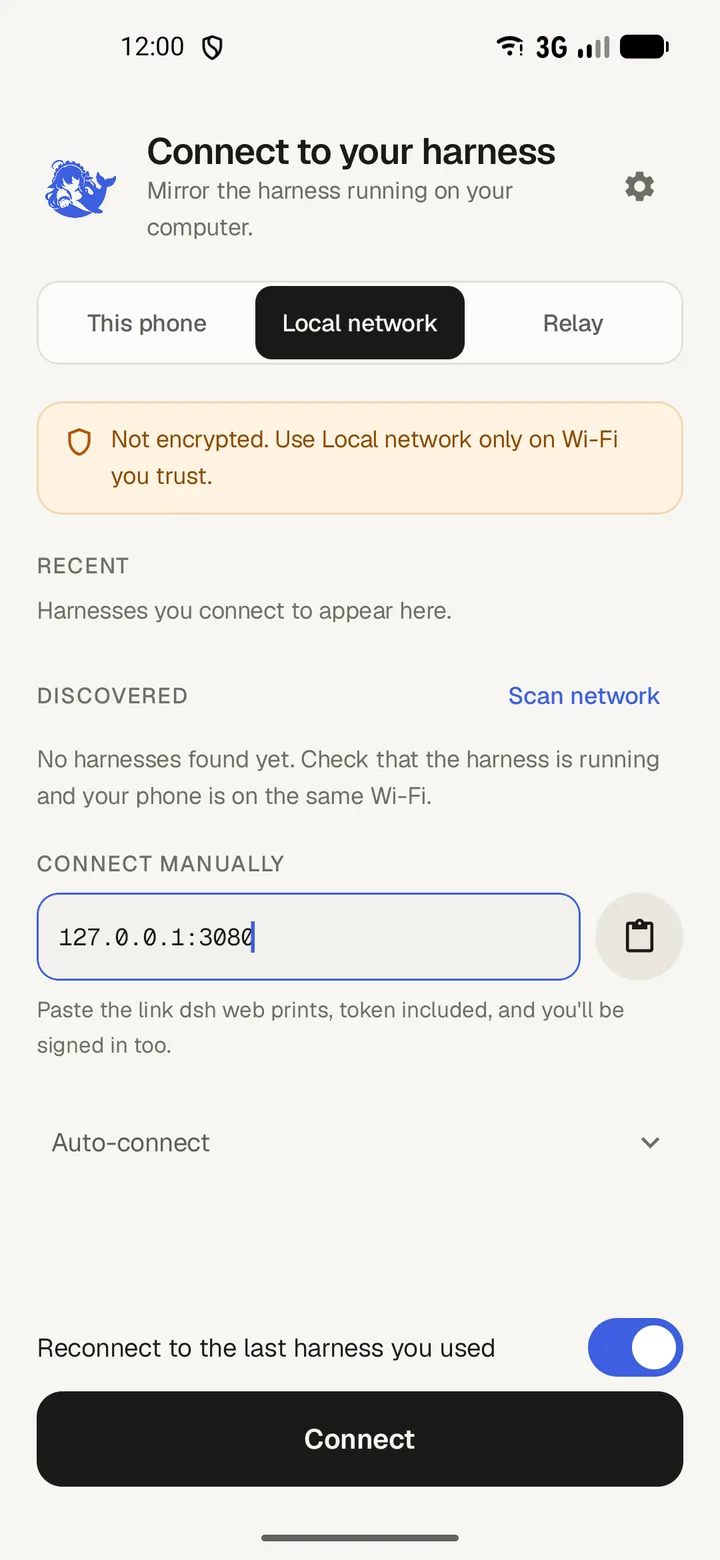
The connect screen is the first thing you see. 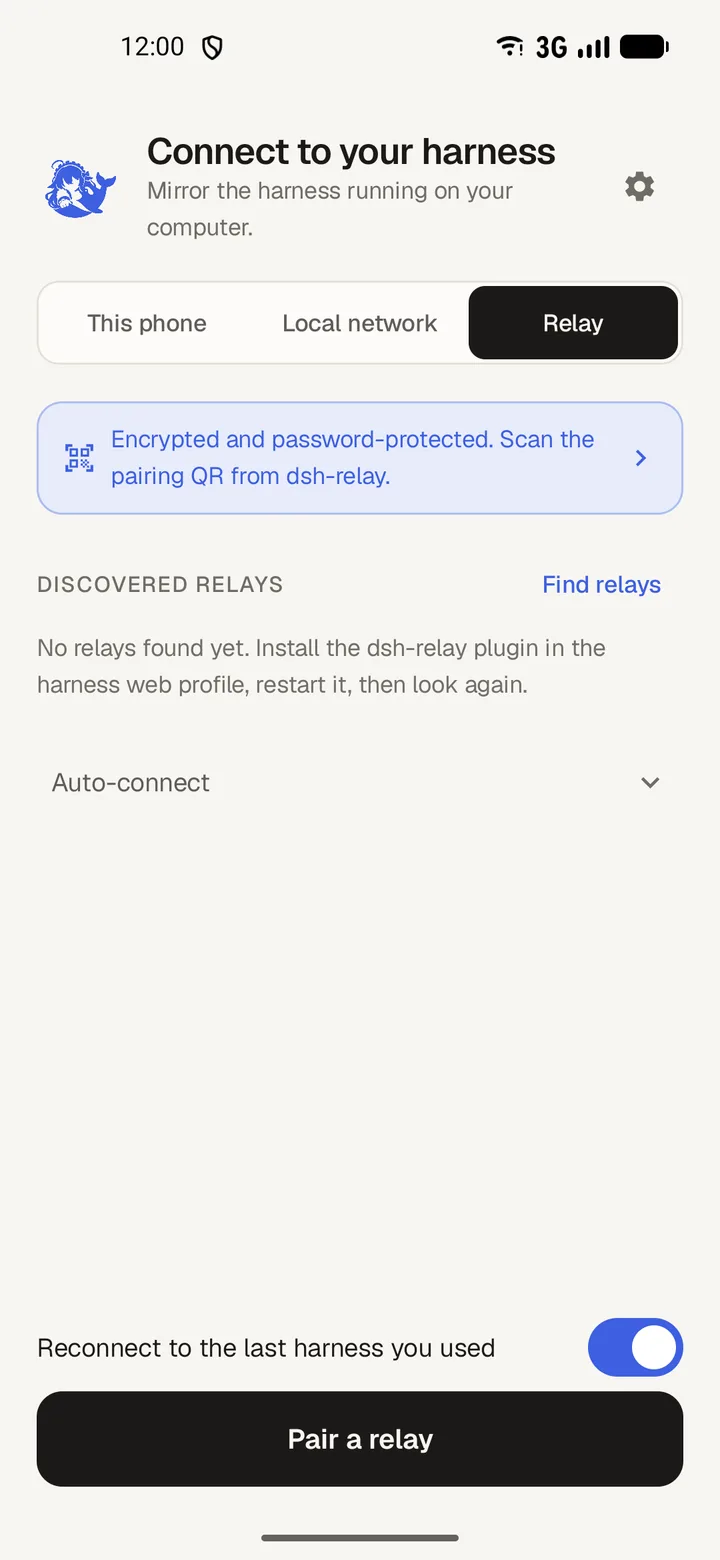 Connect from outside your home networkUse the dsh-relay plugin to add a password, encryption and device pairing, then pair DSH Mobile by scanning a QR code.
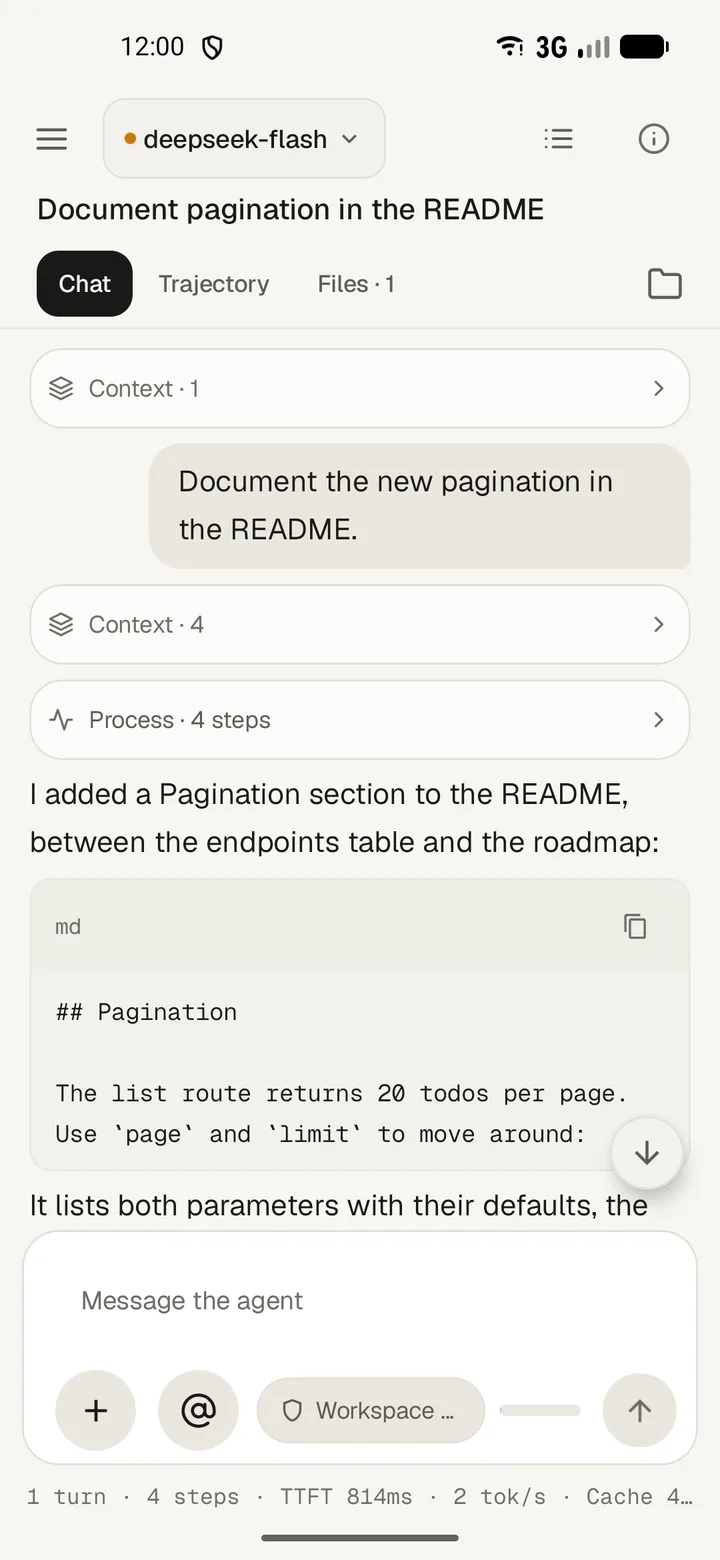 Chat with the agentSend prompts, steer a turn that is already running, and open tool calls while the agent works.
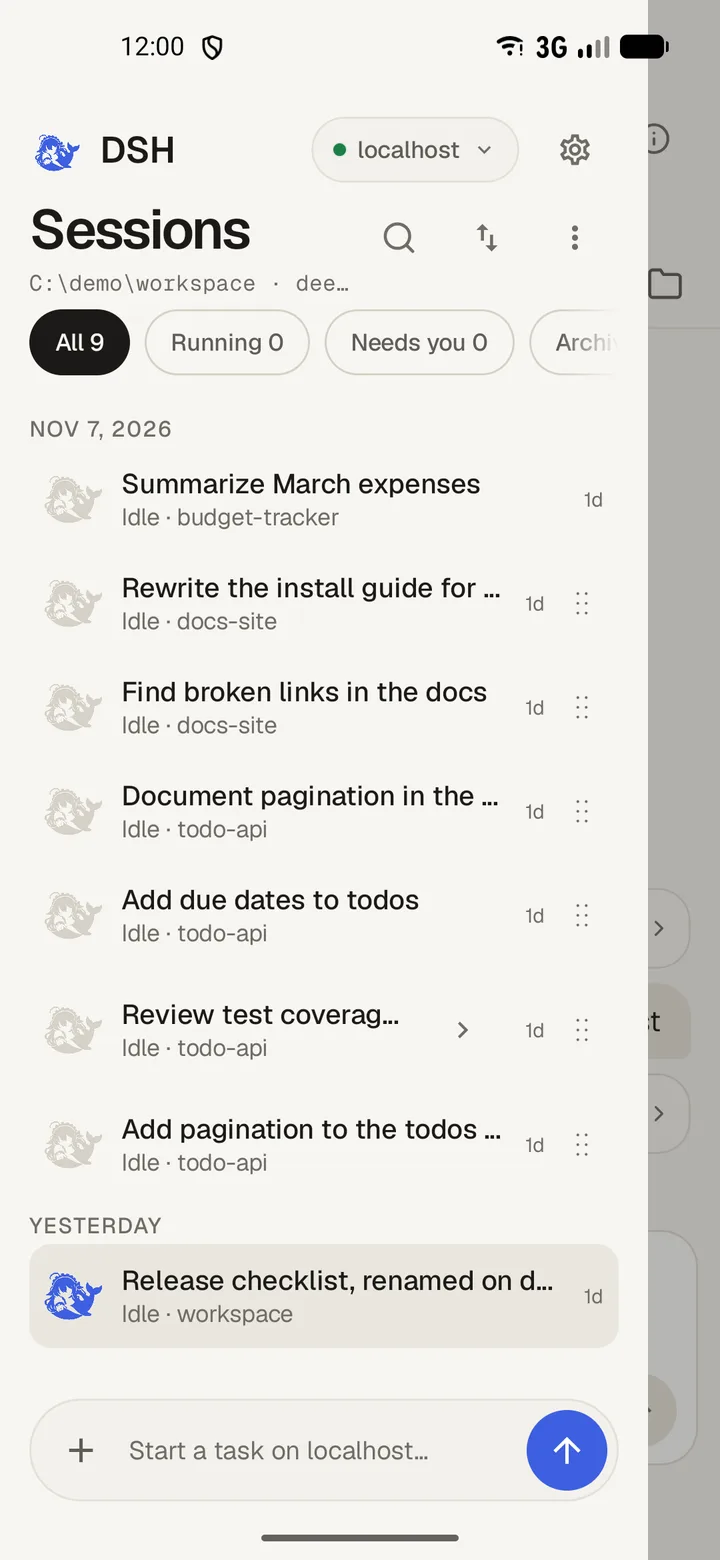 Sessions and workspacesOpen the sessions drawer, group chats by project, pull down to reload, and reorder the list.
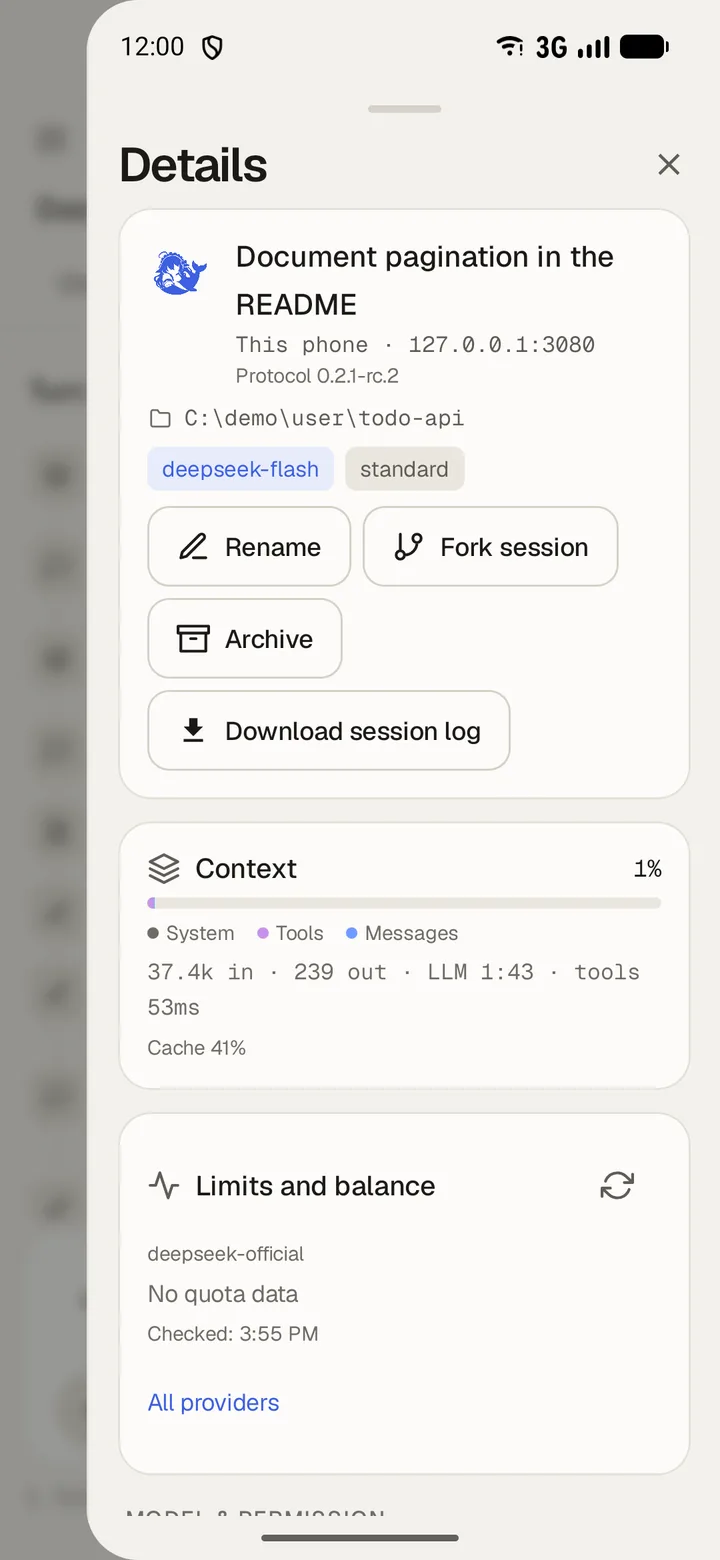 Session details, trajectory and subagentsRead the session panel, follow each turn in the trajectory, and open or interrupt a subagent.Fix a connection that failsMatch the message the app shows to its cause, then follow the steps that fix it.
User guide
DSH Mobile connects your Android phone to the DeepSeek Harness on your computer. Chat, review plans, and answer approvals from the phone.
What you need
- An Android phone or emulator running Android 8.0 or newer.
- A DeepSeek Harness, on your computer or on the phone.
全部章节
Install the appDownload the APK, allow the install, and turn on notifications the first time you open DSH Mobile.Connect over Wi-FiStart the harness on your computer, paste the link it prints, and connect DSH Mobile from your phone over the same network.Connect from outside your home networkUse the dsh-relay plugin to add a password, encryption and device pairing, then pair DSH Mobile by scanning a QR code.Chat with the agentSend prompts, steer a turn that is already running, and open tool calls while the agent works.Sessions and workspacesOpen the sessions drawer, group chats by project, pull down to reload, and reorder the list.Session details, trajectory and subagentsRead the session panel, follow each turn in the trajectory, and open or interrupt a subagent.Fix a connection that failsMatch the message the app shows to its cause, then follow the steps that fix it.