Connect from outside your home network
Install the dsh-relay plugin, set a password, and pair the phone by scanning its QR code.
On the computer
-
Add the plugin to the web profile.
dsh plugin --profile web add dsh-relay -
Start the harness.
dsh web -
Open the relay address it prints, on that computer, and set a password.
-
Open
/relay/pair. It shows a QR code and an eight-digit code; both expire after a few minutes.
Pair the phone
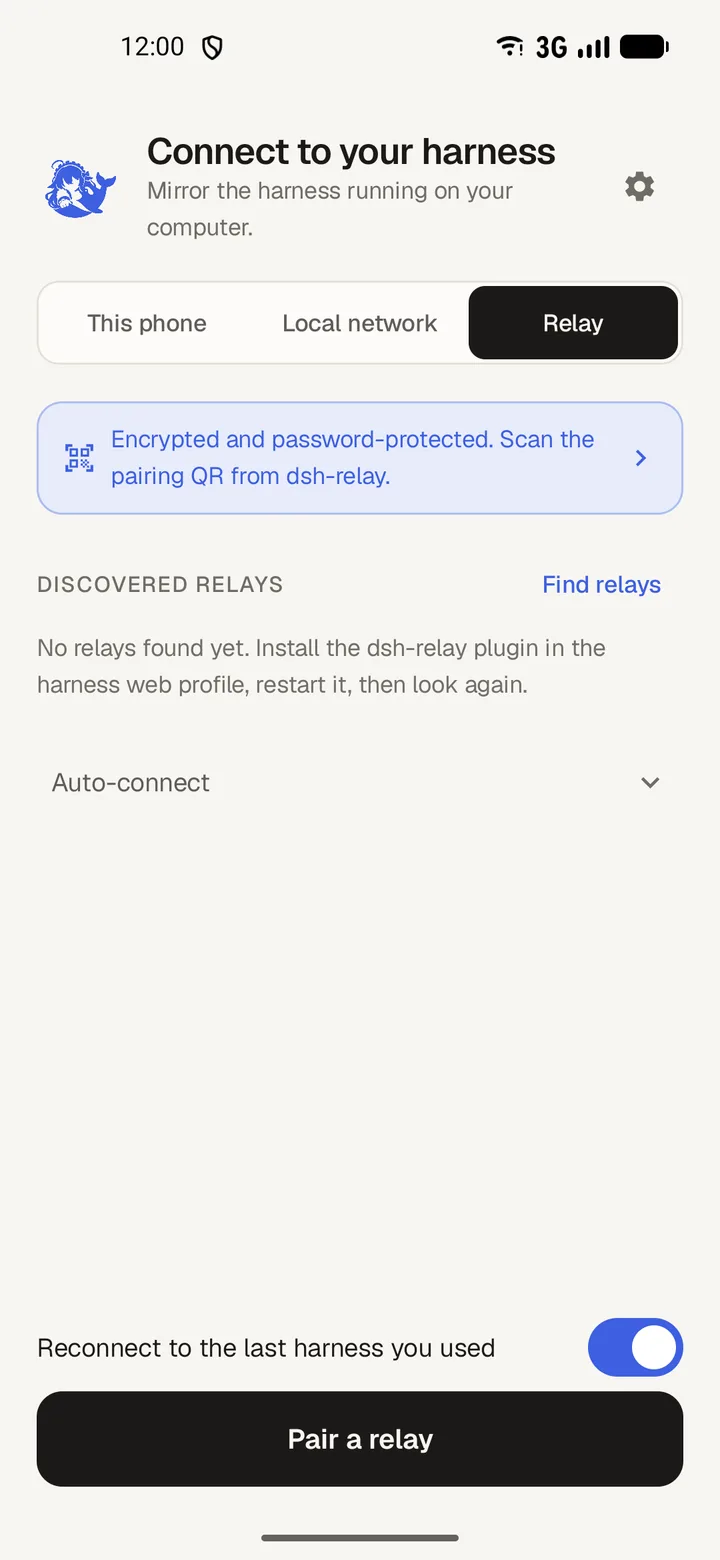
- In DSH Mobile, choose Relay.
- Tap Pair a relay.
- Scan the QR code with the camera, or type the relay address and the eight-digit code.
- Name the device, then tap Pair. The app stores the token and connects.
Pairing through an HTTPS proxy
Through Tailscale Funnel or another HTTPS proxy, type the proxy's https:// address and the code instead of scanning. Typed pairing trusts the first certificate it sees.